Is QSO Ledger affiliated with N3FJP?
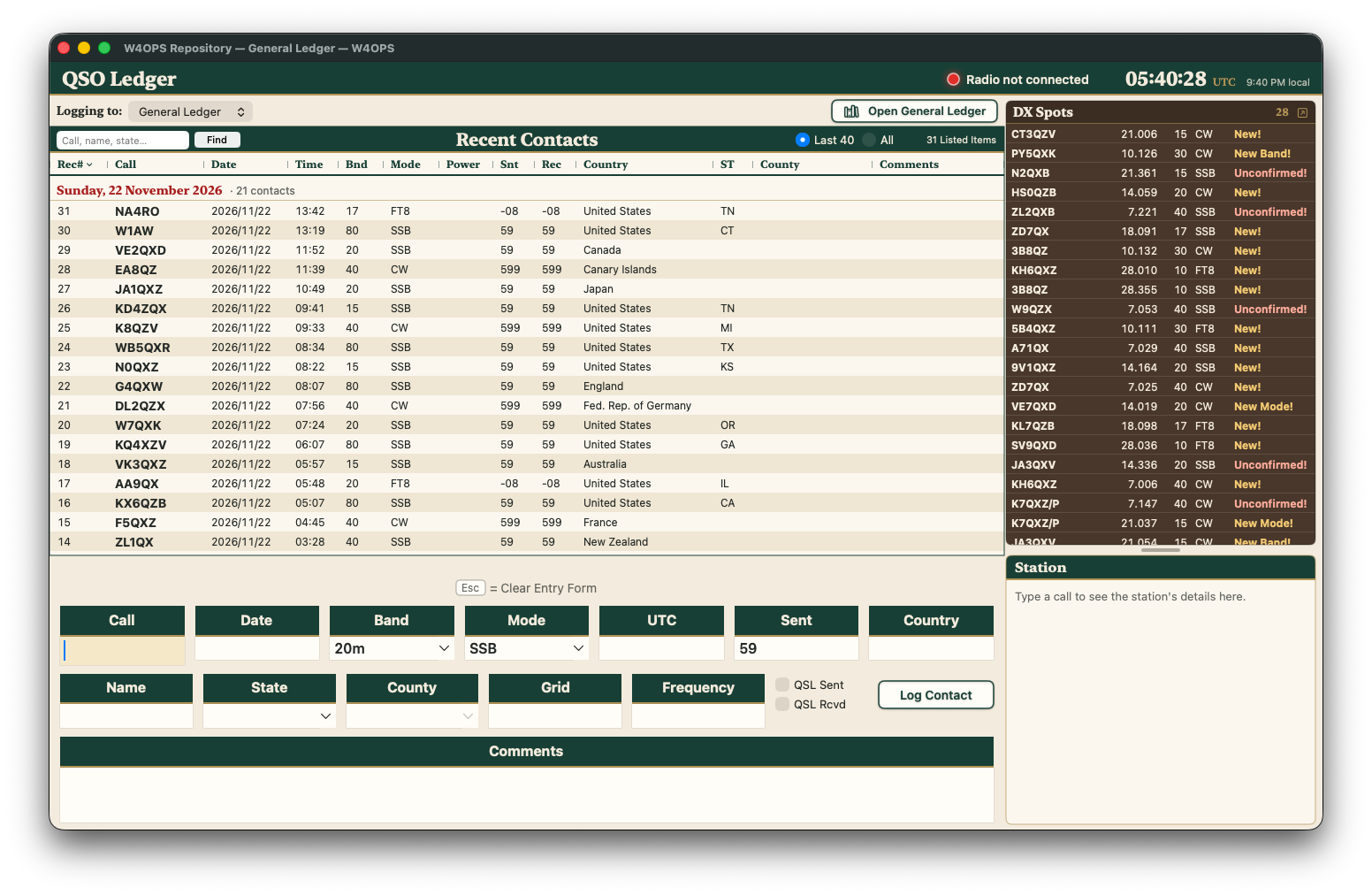
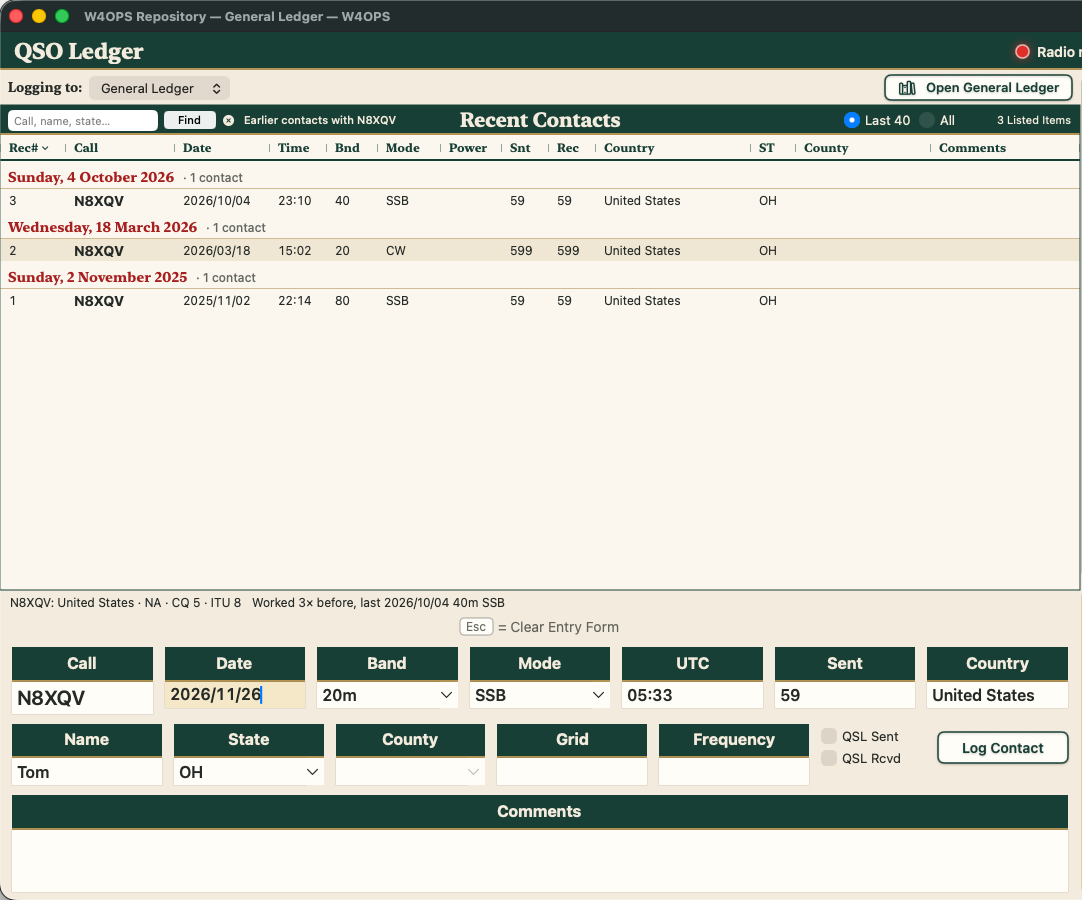
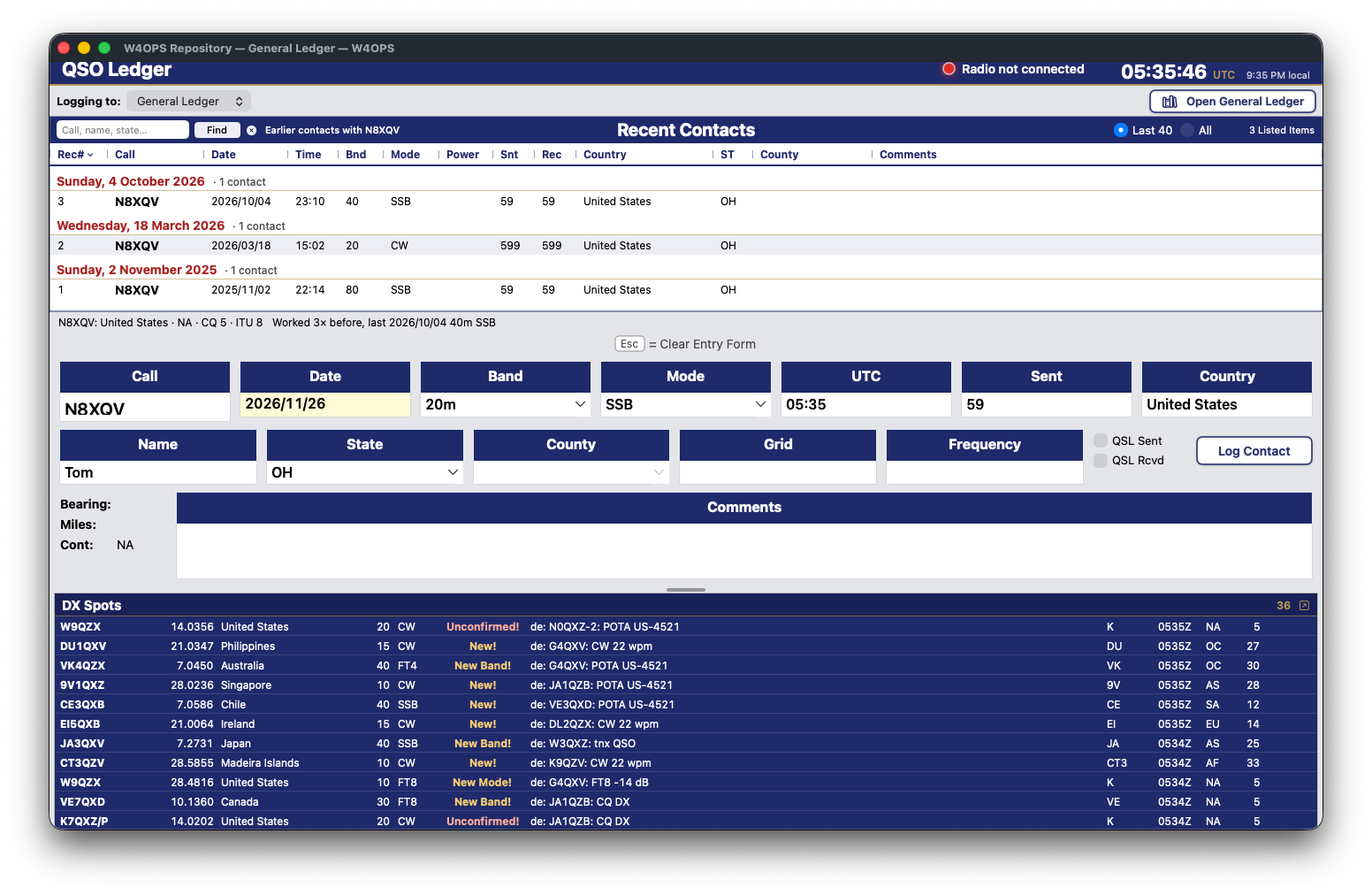
No. QSO Ledger is an independent Mac app. It was inspired by the simple, classic layout that made N3FJP's AC Log a favorite: recent contacts on top and entry boxes below. Everything else was designed and built from scratch for macOS. It doesn't have every AC Log feature, and it has some AC Log doesn't, like native Mac menus, Keychain-stored logins and a choice of color themes. If you love AC Log on Windows, keep using it. QSO Ledger is for hams who want that same simple way of logging on a Mac.
Is there an N3FJP logger for Mac?
N3FJP Software makes its loggers for Windows. Mac users have usually run them in Parallels or another Windows virtual machine, or through Wine. A virtual machine means paying for and maintaining a second operating system, Wine can be hit-or-miss, and radio control over USB can be fiddly with either. QSO Ledger is a native Mac logbook with a similar layout, so there's no Windows install and no emulation. It is not affiliated with N3FJP Software.
Can I move my N3FJP AC Log contacts to my Mac?
Yes, in a few minutes. In AC Log, export your log as an ADIF file and save it somewhere your Mac can reach, such as a USB stick, a cloud folder or email. In QSO Ledger, choose File → Import ADIF and select the file. QSO Ledger reads your contacts, QSL and LoTW confirmation status, grids and comments, then works out your WAS, DXCC and grid progress. Your AC Log file isn't changed. The same steps work for any logger that exports ADIF.
Does QSO Ledger work offline?
Yes. Your logbook is stored on your Mac, so logging, award tracking, search and ADIF import and export all work with no internet: in the shack, at a park, on a hilltop or at Field Day. DX cluster and POTA spots, callbook lookups and LoTW, QRZ, eQSL and Club Log uploads pick up again when you're back online.
Does it support POTA, CAT control and DX clusters?
Yes, all three. CAT control reads frequency, band and mode from Icom, Yaesu, Kenwood, Elecraft and FlexRadio radios, or any rig Hamlib's rigctld supports, and clicking a spot tunes your radio to it. You can connect to several DX clusters at once and filter spots by band, mode and where the spotter is. Live POTA activator spots show alongside, and you can keep a separate ledger for each activation and post it to your General Ledger for awards.
Which Macs does it run on?
Any Mac running macOS 14 Sonoma or later. It's a universal app, so it runs natively on Apple Silicon (M1 and newer) and Intel Macs, with no Rosetta or extra software.
How much does it cost?
QSO Ledger will be a free download on the Mac App Store with a 30-day trial of every feature. After the trial you can keep logging up to 15 contacts a day for the next three months, then 10 a day, for free. For unlimited logging, unlock it once for $39.99 inside the app, with free updates for life. No subscription. Apple handles the payment, and Restore Purchase brings the unlock back on any Mac signed in with the same Apple ID. If the trial ends, your log stays readable and you can still search, print and export it.
Where is my log stored, and how is it backed up?
Your log is stored on your Mac, and Time Machine backs it up along with everything else. QSO Ledger can also save automatic backups as standard ADIF files, daily, weekly or each time you quit, to a folder you choose, such as an external drive or a cloud folder. It keeps the last 7 by default. You can export your whole log to ADIF anytime, and there's no account to sign up for.
Does it support contests or Field Day?
Basic support. File → Export Cabrillo writes a contest log with your categories, sent exchange and serial numbers, and you can keep a separate ledger for Field Day or each contest. There's no live contest scoring or multi-computer Field Day networking yet.
How do I report a bug or request a feature?
Email support@qsoledger.com. Include your macOS version and what you were doing, and attach a screenshot if you can.
See all 120+ questions